Phone
555-555-555
BuildGo helps small and mid-sized contractors manage projects, track client payments, record expenses, change orders, and permits — all in one simple app. No complicated accounting software. No spreadsheet chaos.
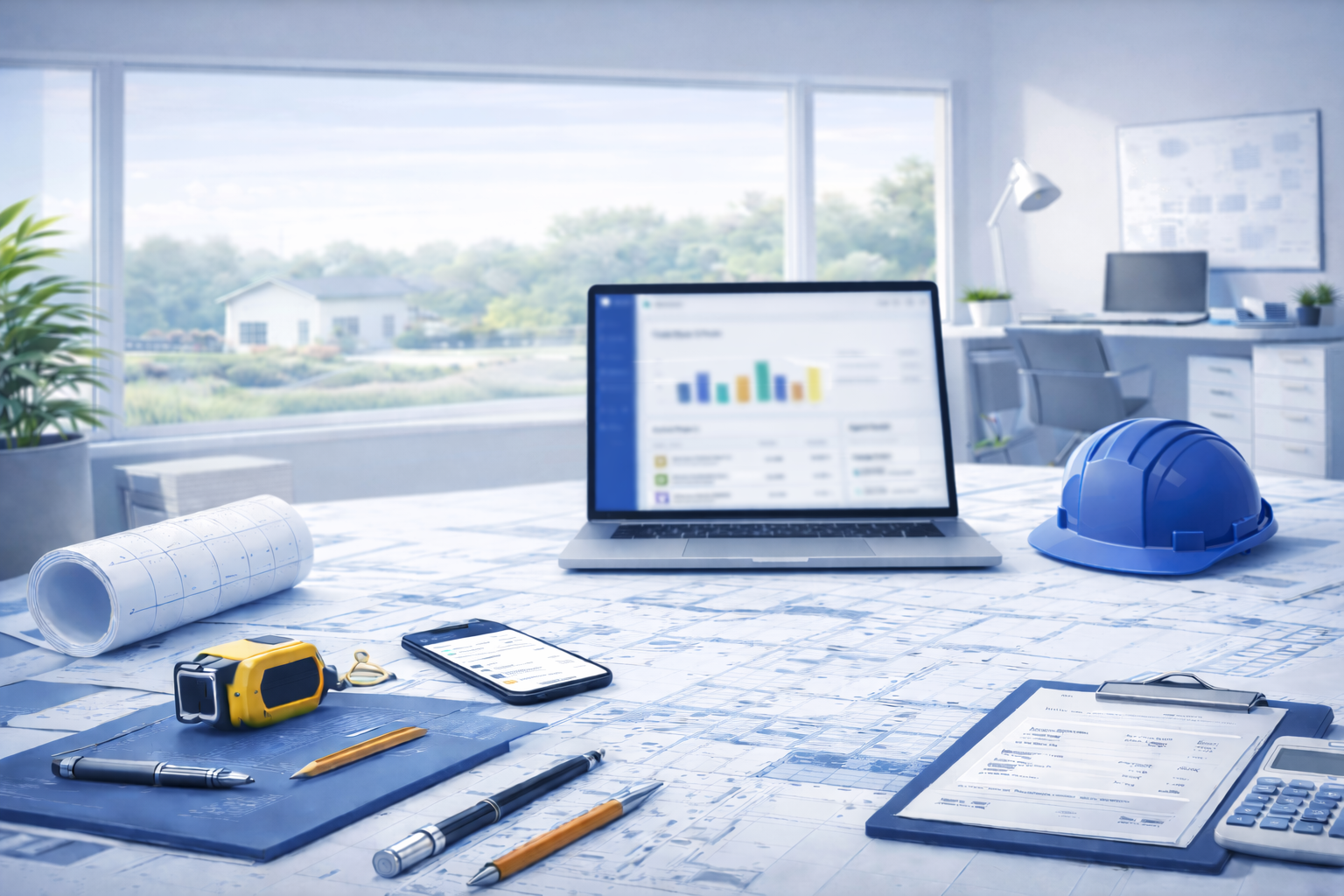
BuildGo was built for contractors who run their projects using spreadsheets, notes, and disconnected tools. We created a simple system that keeps your projects, payments, and expenses organized - without the complexity of traditional accounting software.
Everything you need to manage projects and track your money — without overcomplicated accounting software.
Create projects and track client payments, expenses, change orders, permits, and photos — all connected to each job.
See exactly how much you've spent, how much you've been paid, and whether each project is profitable.
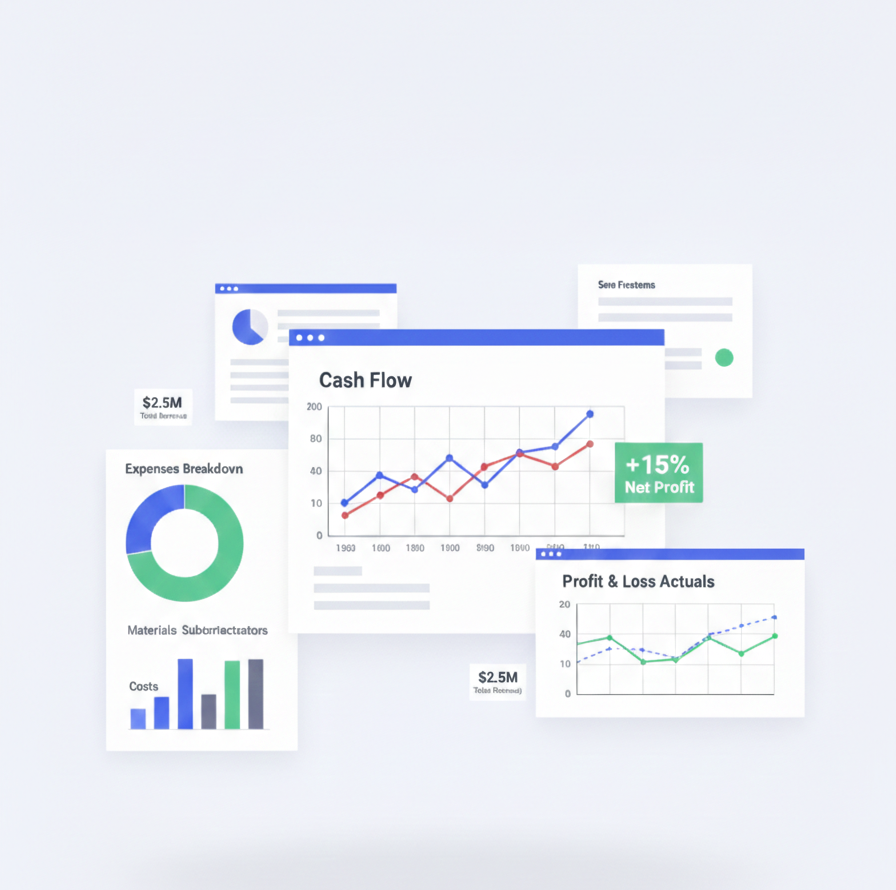
Generate Profit & Loss, Cash Flow, and expense reports. Export expenses and send them directly to your CPA.
Focus on building. We'll handle the data.
Perfect for independent contractors managing individual projects.
Perfect for growing contractors who want better control of their jobs and finances.

BuildGo is a Progressive Web App (PWA), meaning you get a full app experience without searching the App Store. Update project status, payments, expenses, change orders, and permits.
Tap the Share icon and select 'Add to Home Screen'.
Tap the Menu (3 dots) and select 'Install App'.
Have questions or want a demo? Get in touch with us directly.
555-555-555